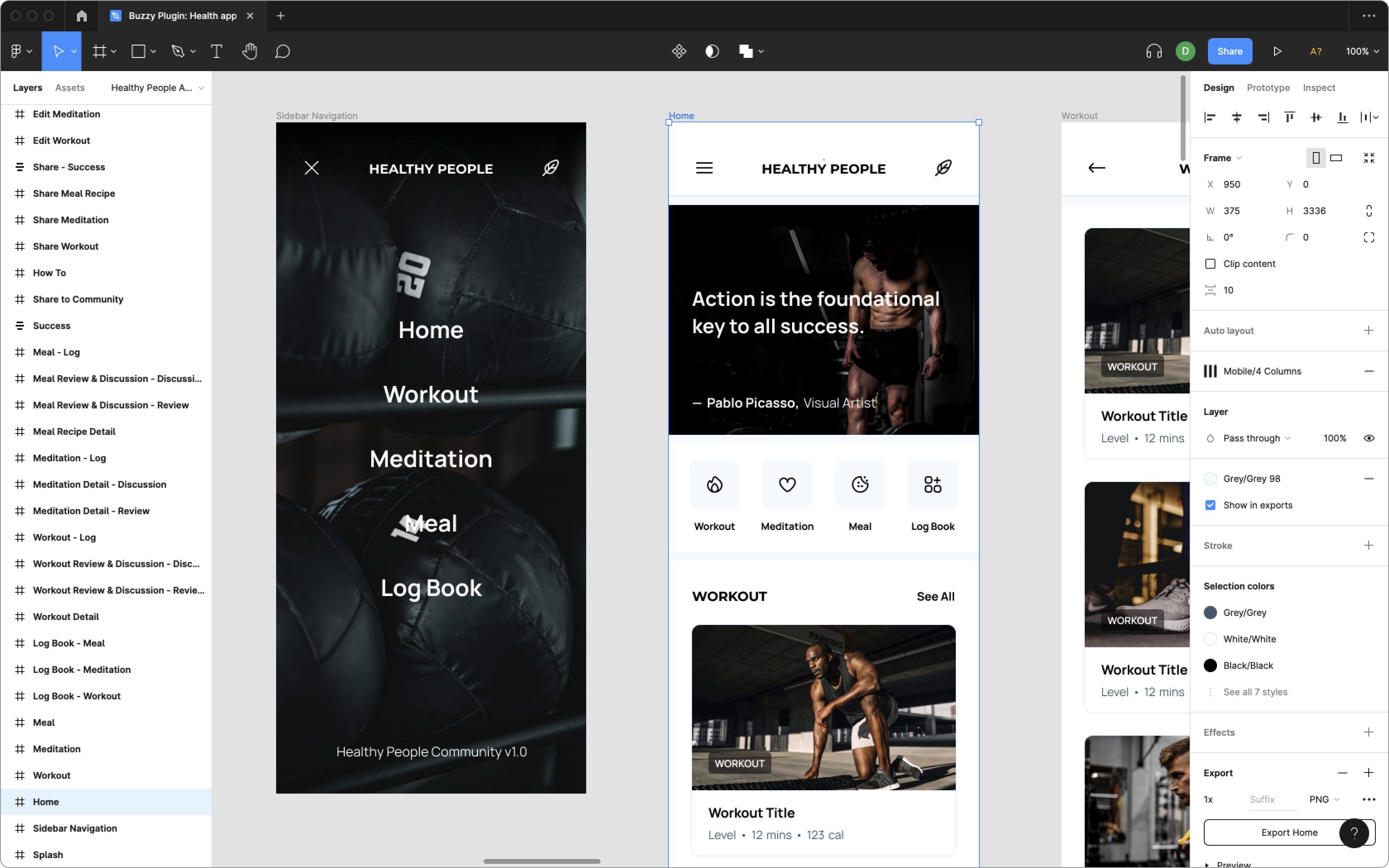
AI + Figma
Turn Figma direction into working Buzzy apps.
Use Buzzy with Figma to move from product idea, wireframe, or polished interface into a full-stack web or mobile application without rebuilding the design by hand.
Migrated media
Legacy Figma assets and videos
The original Figma page assets are now served from this site, with the embedded YouTube content preserved.
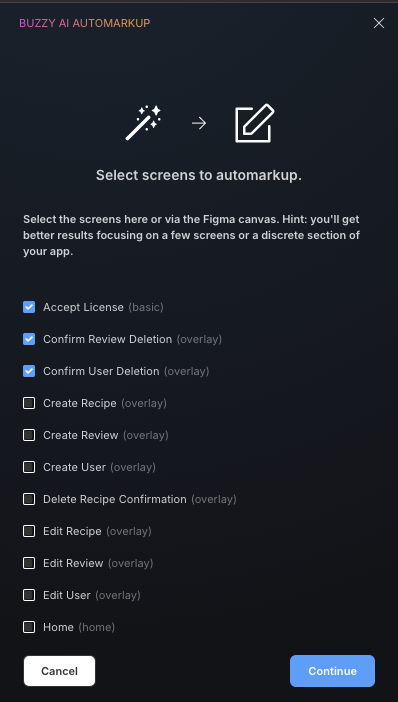
Buzzy Figma video playlist
Legacy embedded YouTube playlist for the Buzzy Figma workflow.
Open on YouTubeDesignerUp Figma AI app build
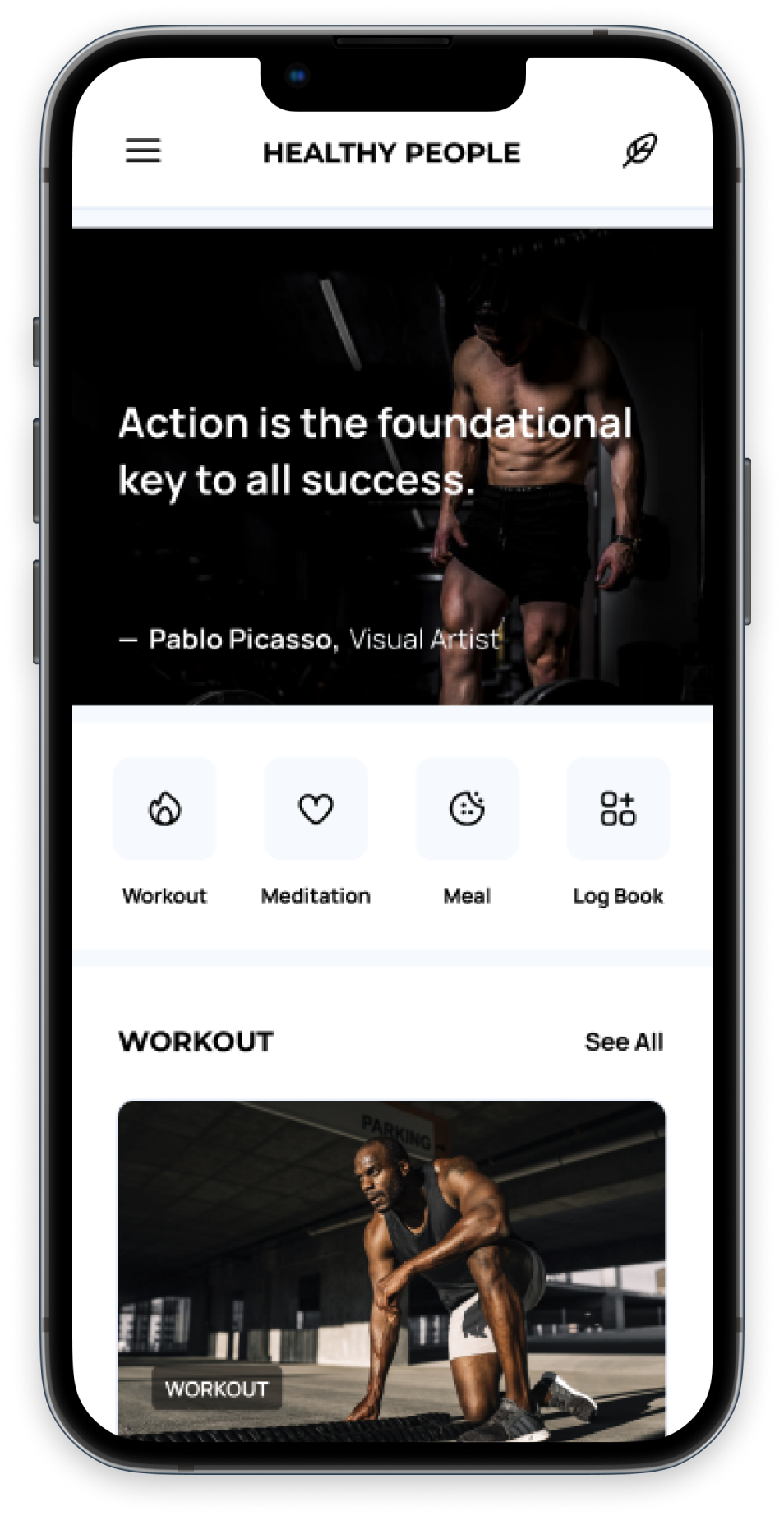
Legacy linked video about designing and building a working app with Figma AI and Buzzy.
Open on YouTubeFrom design to app
Convert Figma screens into a Buzzy application structure with UI, data, and workflows ready to refine.
AI-assisted starting points
Start with generated designs, imported UI, or Buzzy templates when teams need a faster first version.
Governed delivery path
Use Figma as the visual input while Buzzy keeps application behavior on a maintained platform foundation.
Workflow
A practical path from interface intent to application system
The Figma flow is positioned as an accelerator for teams that already think visually, not as a separate product track.
Design or generate screens
Use Figma, FigJam AI, First Draft, or existing product concepts to capture the interface direction.
Mark up the app structure
Identify the screens, components, fields, and flows Buzzy should convert into a working application.
Iterate in Buzzy
Refine data, permissions, workflows, and deployment choices inside the Buzzy platform.